Curate, Classify, and Govern What Agents Know.
Build, maintain, and expire knowledge bases across your enterprise. Control exactly what each agent can see — with source attribution, access policies, and durable memory that persists across every session.
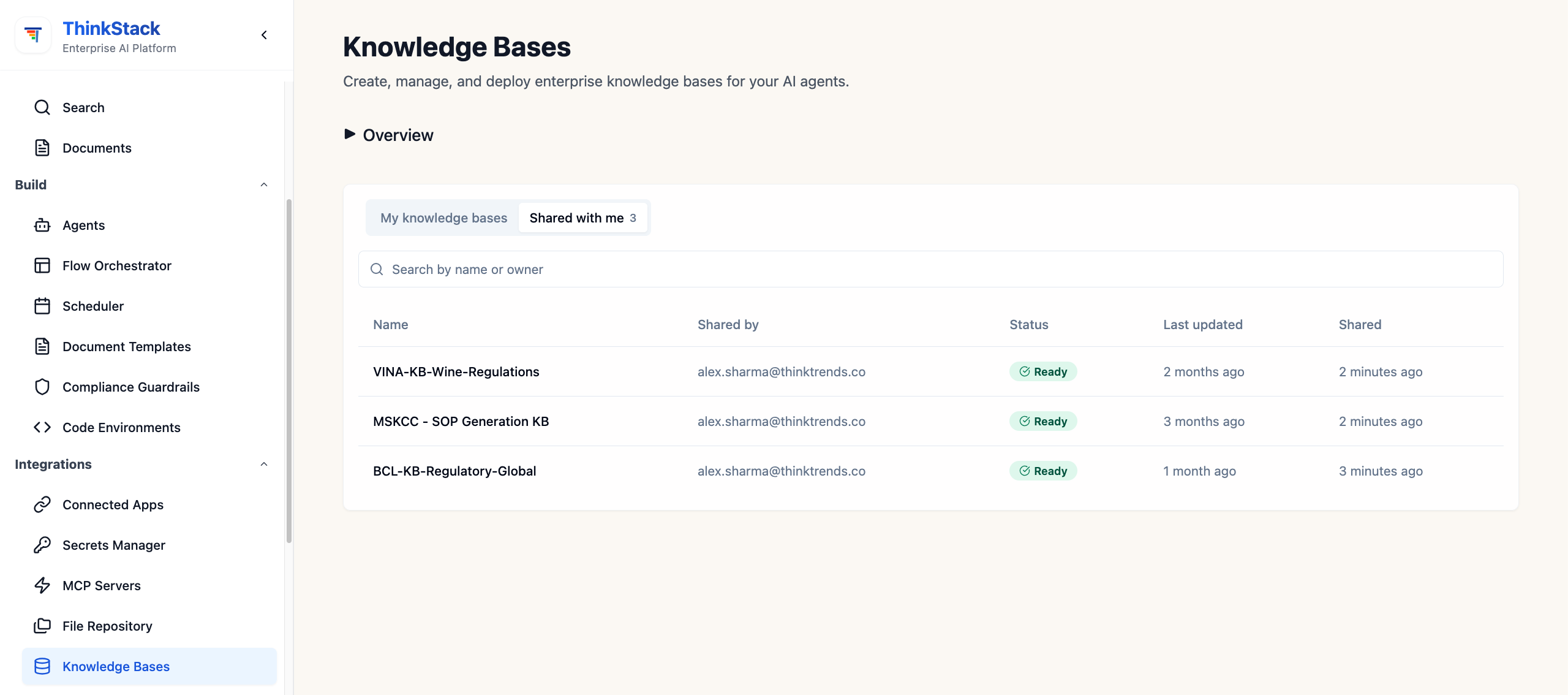
Everything Your Agents Need to Know
From raw document ingestion to fine-grained access control — one governed layer every agent, pipeline, and workflow reads from.
Multi-source ingestion
Pull from files, URLs, SharePoint, Confluence, S3, or any connector. Automatically chunk, embed, and index on every update.
Permission-aware retrieval
Every query respects source permissions. Agents only retrieve chunks they're authorized to see — no hallucinated access.
Source attribution
Every answer includes a citation trail — document name, section, page. Full audit-grade traceability from query to source.
Expiry & lifecycle
Set expiry dates on entire KBs or individual documents. Stale knowledge is automatically retired — agents never serve outdated facts.
Agent attachment
Assign any KB to one or many agents. Changes take effect immediately — no redeployment, no manual sync steps required.
Durable session memory
Store structured facts that persist across conversations. Agents remember preferences, prior decisions, and domain context forever.
From Raw Source to Governed Context
Four steps from ingestion to agent-ready, fully traceable knowledge.
Connect a source
Link files, web URLs, SharePoint, Confluence, S3, or any enterprise connector. New content is detected automatically.
Chunk & embed
ThinkStack splits documents into semantic chunks, generates vector embeddings, and builds a searchable index — with metadata and lineage intact.
Set policies
Define which agents and teams may query the KB, set expiry dates, and flag documents that require human review before agents can cite them.
Agents query & cite
At runtime, agents retrieve only what they're permitted to see. Every answer carries a citation card — document, section, and retrieval confidence.
Watch a Knowledge Base Go from Files to Live
One continuous take — upload source files, create a knowledge base, configure storage, and query it. The real product, not slides.
Plays on load — use the controls inside the demo to pause, resume, or restart it.
Connect Any Knowledge Source
Native connectors for every corner of your enterprise data estate — with automatic re-indexing on change.
SharePoint & OneDrive
Ingest documents, wikis, and site pages. Permissions inherited from SharePoint — agents see only what users can.
Confluence
Sync entire spaces or targeted pages. Respects Confluence space and page permissions out of the box.
File uploads (PDF, DOCX, XLSX)
Upload documents directly. OCR extracts text from scanned PDFs. Auto-chunking handles all formatting.
Web crawl & URLs
Crawl public or internal web pages on a schedule. Ideal for product docs, FAQs, and market intelligence.
S3 & object storage
Connect any bucket. Monitor for new or changed objects and trigger automatic re-indexing on upload.
Structured data & APIs
Pull rows, records, or API responses and convert them to retrievable knowledge with field-level metadata.
Frequently Asked Questions
Common questions about Knowledge Base Management.