Secure, Sandboxed Runtimes for Every Agent You Build.
Spin up pre-configured or fully custom code execution environments in seconds, then reuse the same governed sandbox across Chat and agent harnesses.
pandasnumpymatplotlibplotlyseabornpolarsscipybokeh Automation and IntegrationsrequestshttpxaiohttppydanticPyYAMLclickrichloguru Web and API Developmentfastapiflaskdjangosqlalchemyuvicornstarlettejinja2gunicorn Cloud and Databaseboto3duckdbpymongoredispsycopg2-binary Document and File Processingopenpyxlpdfplumberpython-docxpython-pptxreportlabpypdf Image and Mediapillowopencv-pythonmoviepyimageiopydubtifffile Development Toolsipythontqdmtyperpytestblackruffmypy Math and Optimizationcvxpynetworkxsympyortoolspulpz3-solver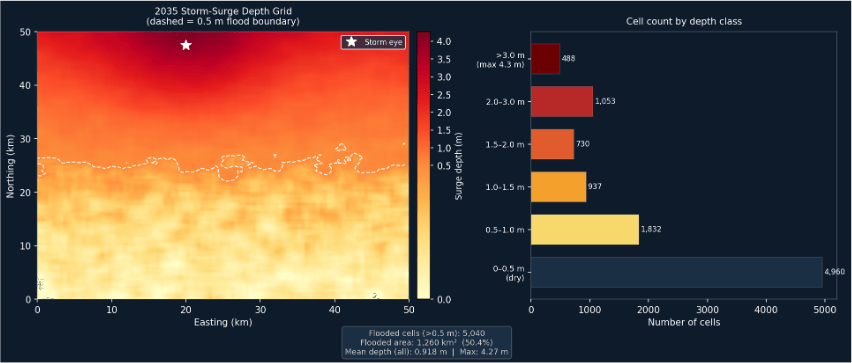
Your code and its pinned packages run inside the isolation boundary; the host filesystem and the rest of the network stay outside, and CPU and memory are capped for every run. Credentials arrive by name from Secrets Manager as environment variables, never baked into the image or written to logs.
From Empty Workspace to a Running Job
A 60-second walkthrough in ThinkStack: describe a runtime, approve the assistant’s plan, watch it build, then run code in the sandbox from chat. Pause whenever you want a closer look.
Everything a Runtime Should Be
Six things a team stops having to build, operate, and argue about.
Hard Sandbox Isolation
Every runtime executes in an isolated AgentCore sandbox — no host filesystem, no lateral network, CPU and memory capped per run.
AI-Assisted, Fully Governed
Describe the environment you want; the assistant proposes a config, resolves every package against your indexes, and applies it once you approve.
Governed Dependencies
Pin Python, npm, and system packages. Only real, resolvable packages get installed — no guessing, no supply-chain surprises.
Instant Provisioning
Watch environments move from Building to Active in seconds, then track live status, created time, and health at a glance.
Reusable Across ThinkStack
Attach any active runtime to a Chat’s Code tool or an agent harness.
Full Observability
Every execution reports tool calls, success/failure, duration, and token usage — so you can audit exactly what ran where.
Do It Yourself vs. ThinkStack Runtimes
Everything a platform team would otherwise build and maintain, already in place.
Start From a Template or a Curated Base Image
Don’t want to build from scratch? Attach the ready-made Pre-Configured Environment, or start from a regularly patched base image and layer exactly what you need with pip, npm and apt.
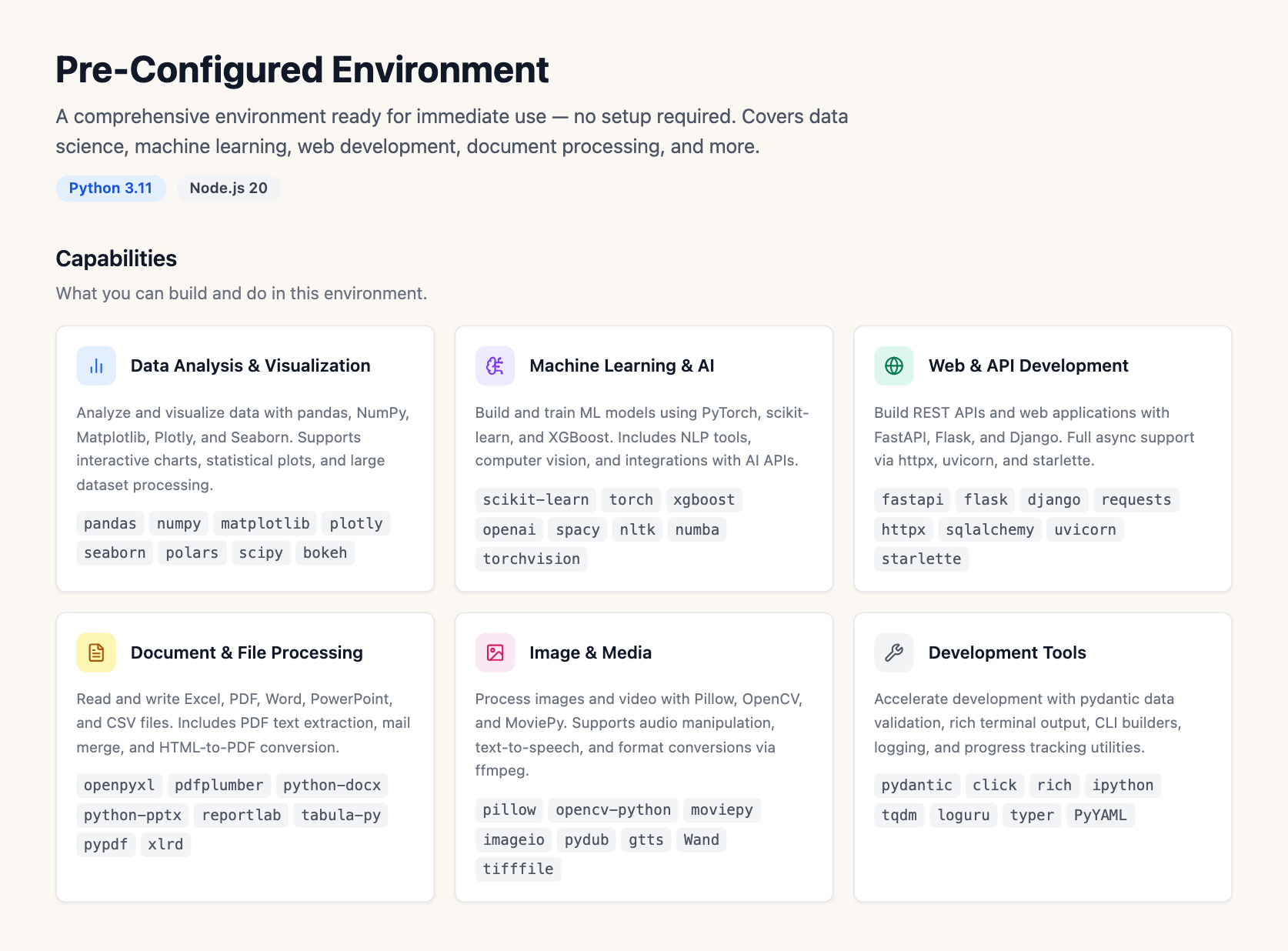
Python 3.11
Data analysis and geospatial work — pandas, numpy, xarray, rasterio, geopandas and friends.
Node.js 20
Service and integration testing with the npm ecosystem, jest, and supertest.
Ubuntu 22.04
A general-purpose base for system tooling and mixed-language workloads.
One Runtime, Two Places
Build it once. The same packages and the same limits follow it into Chat and agent harnesses.
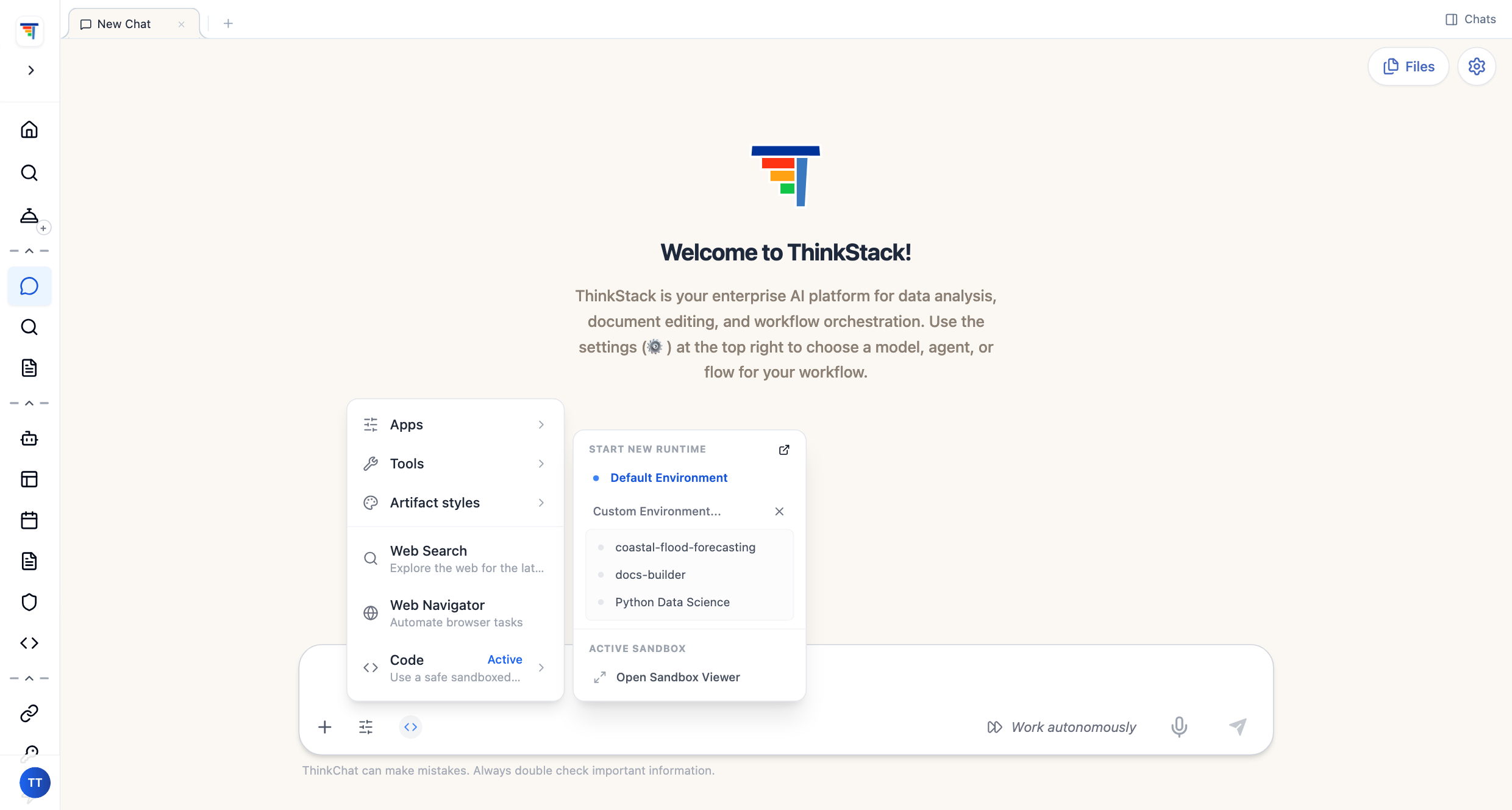
Chat and Workspaces
Open the Code tool in a workspace and pick any active runtime from the list — the whole team runs analysis in the same governed sandbox, same packages, same limits, every session.
Agent Workspaces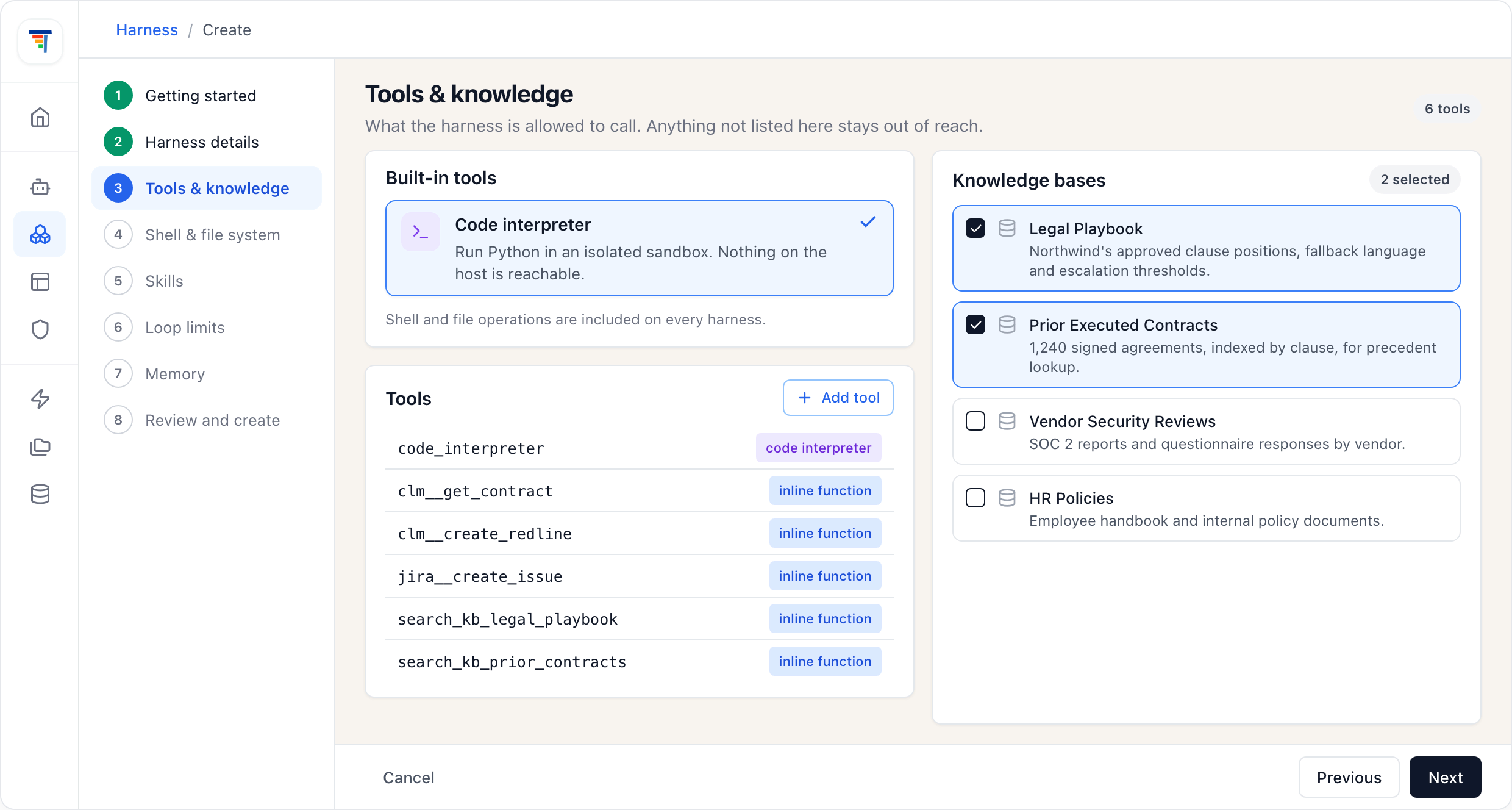
Agent Harness
Give an agent the Code interpreter and its code steps execute in a chosen runtime you can audit — pinned dependencies, capped resources, and a trace for every call it makes.
Agent Harness BuilderFrequently Asked Questions
Common questions about Agent Runtime Environments.